Menu
Platform
EDUNIO overviewUse casesIndustryFunctionsExtension modulesOptionalIntegration
Online educationAutomation and digitalization of training.Employee onboardingSpeed ​​up the adaptation of new colleagues.Blended learningDigitalization of face‑to‑face and hybrid education.Customer and partner trainingCustomer and partner trainingKnowledge‑baseCompany knowledge, training and procedures.Purpose‑built education projectsOwn thematic education project.
Online courses
PREVENT online coursesA wide range of ready‑made online coursesCustomized coursesCustom course creationDeclarations of honorNEWVerification of employees' medical fitnessThird‑party coursesImplementation of SCORM courses
OHS and FP Course PackageOccupational health and safety, fire safety, driver training, and first aid training.CybersecurityOnline course in accordance with the requirements of the NIS 2 Directive.Work safety trainingHealth and safety course for initial and regular training.Artificial Intelligence (AI)NEWOnline training on the basics of using artificial intelligence (AI) in companies.Fire safety trainingPO course for initial and regular training.Health and safety at home officeAdvanced OHS course for working from home.Health and safety during team buildingNEWAn online course not only for preventing injuries during team building.
View all courses
References
Price
Try DEMO
+420 284 684 331
+420 284 684 331
Try DEMO

Create your own online courses

EDUNIO offers several options for creating your own online courses. The simplest ones do not require any special tools or skills.

PPT Learning

The easiest way to create your own courses without any special tools or skills. All you need is the PPT Learning module in EDUNIO.

How does it work?

Just upload your PPT presentation to EDUNIO and wait.

What does the course look like?

The course looks just like your PPT presentation, with added menus, controls, and SCORM communication. You can add a test and certificate.
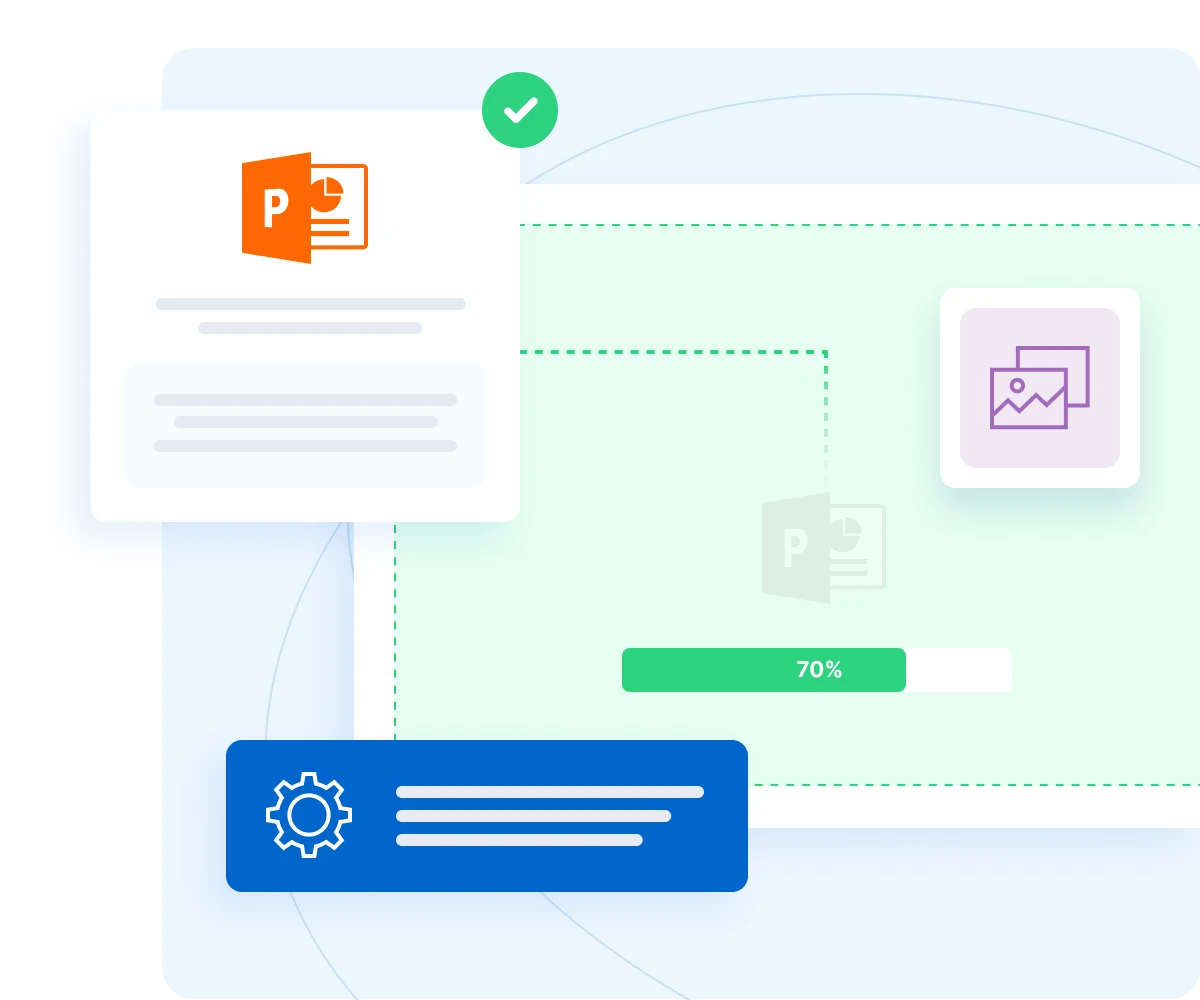
Interface showing course creation workflow with Microsoft PowerPoint icon, settings panel, image upload option, progress bar at 70%, and checkmark confirmation

Video course

Record video courses with your mobile phone.

How does it work?

Record your training, practical training or anything else on your mobile phone and upload it to EDUNIO.

What does the course look like?

EDUNIO creates a video course with menus, controls, and SCORM communication. You can add a test and certificate.
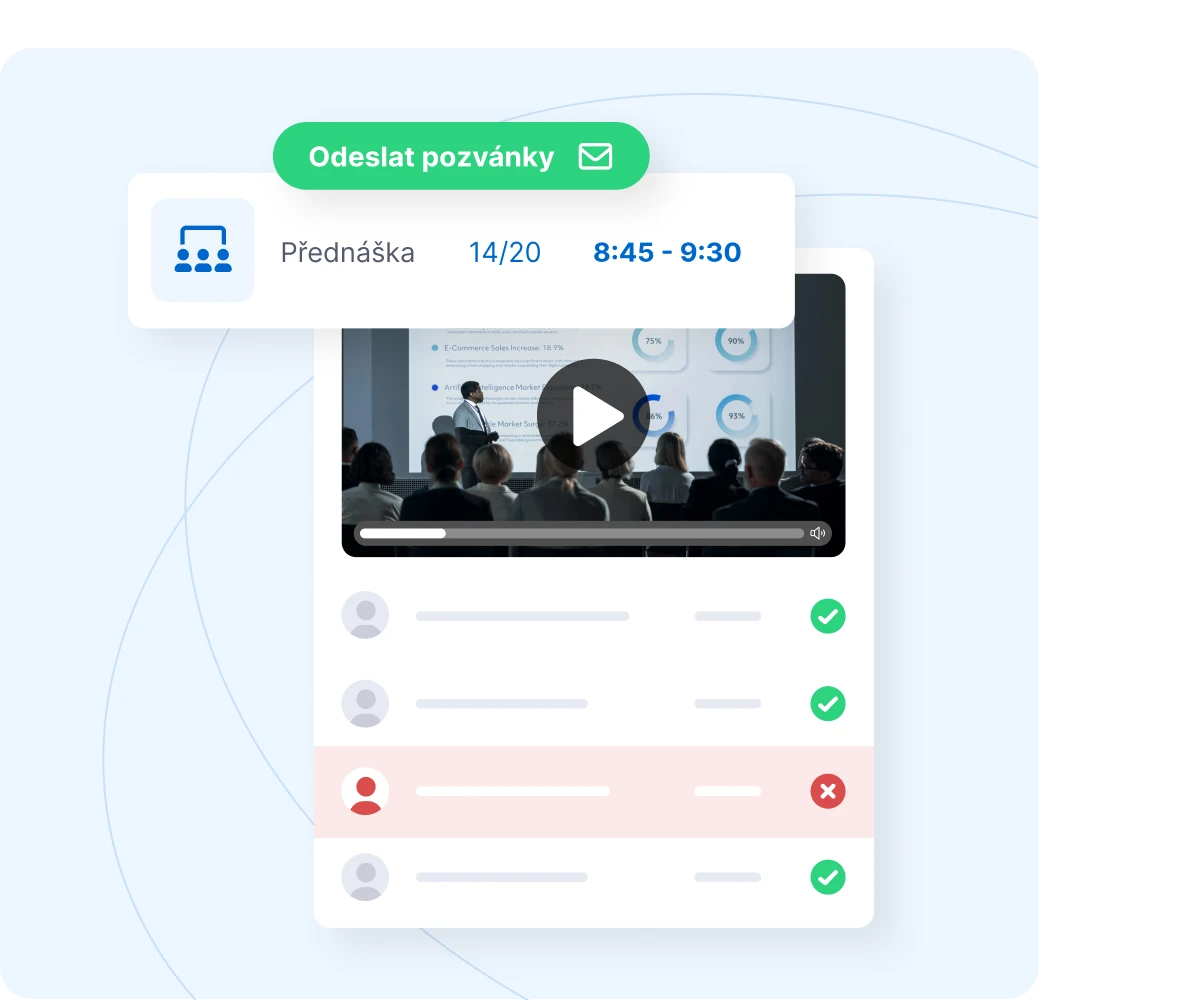
Lecture interface with a video preview, time 8:45–9:30, attendee statuses and a button for sending invitations.

Course Builder

You can also create simple courses directly in the EDUNIO Course Builder.

How does it work?

In the simple integrated WYSIWYG editor EDUNIO, you can create a course from text, images, videos or links.

What does the course look like?

The format is suitable for simple courses without the need to work with objects. The course has a menu, controls. You can add a test and a certificate.
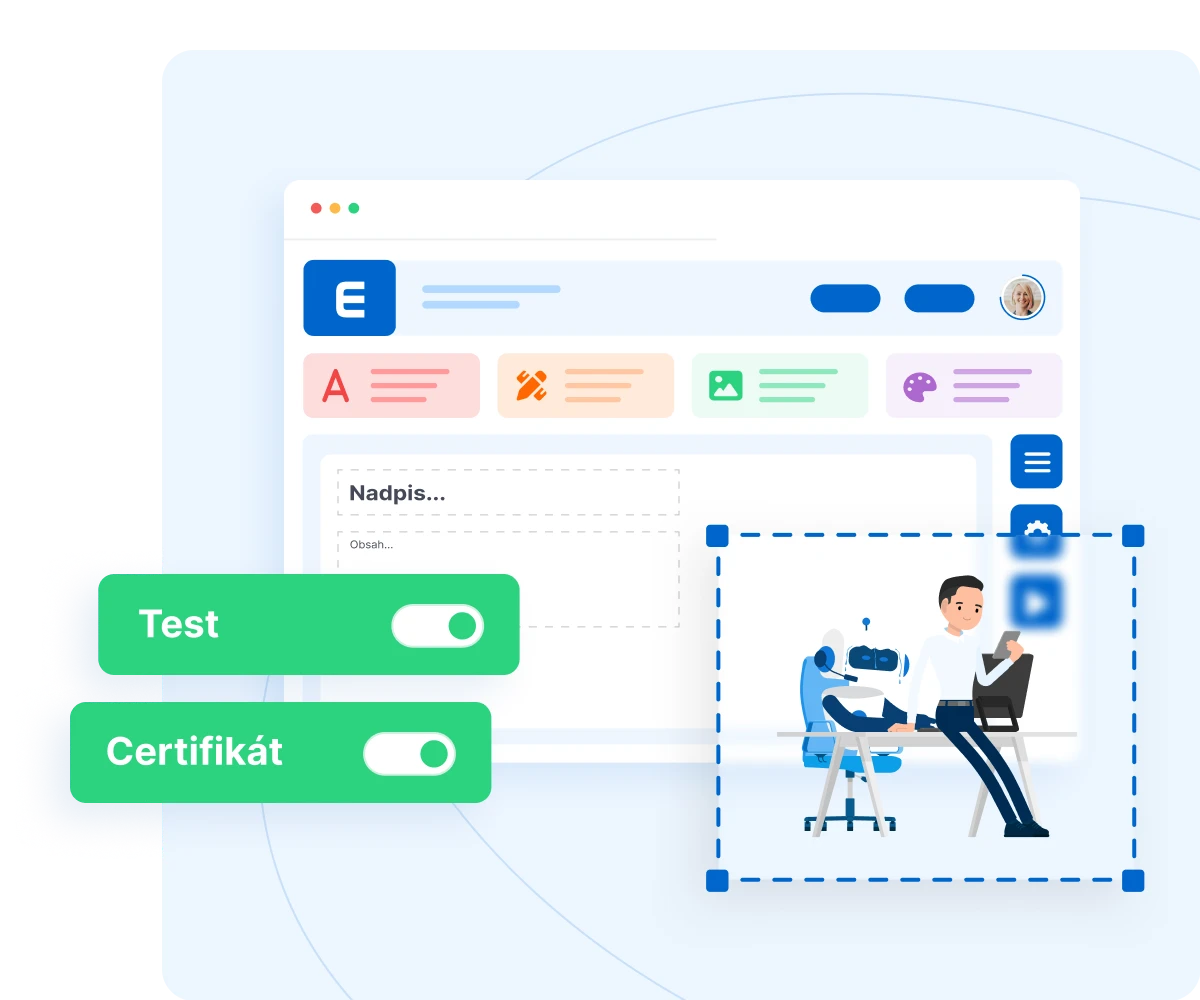
Course builder with text, image, gallery and design modules, test and certificate toggles, and an illustration of a man and a robot.

Any external tool

You can create courses for EDUNIO in any of the many available external tools for creating online courses in SCORM format.

How does it work?

You create a course in an external tool and simply upload it to EDUNIO.

What does the course look like?

A number of tools can create professional online courses with sophisticated graphics and interactions. You can add a test and certificate.
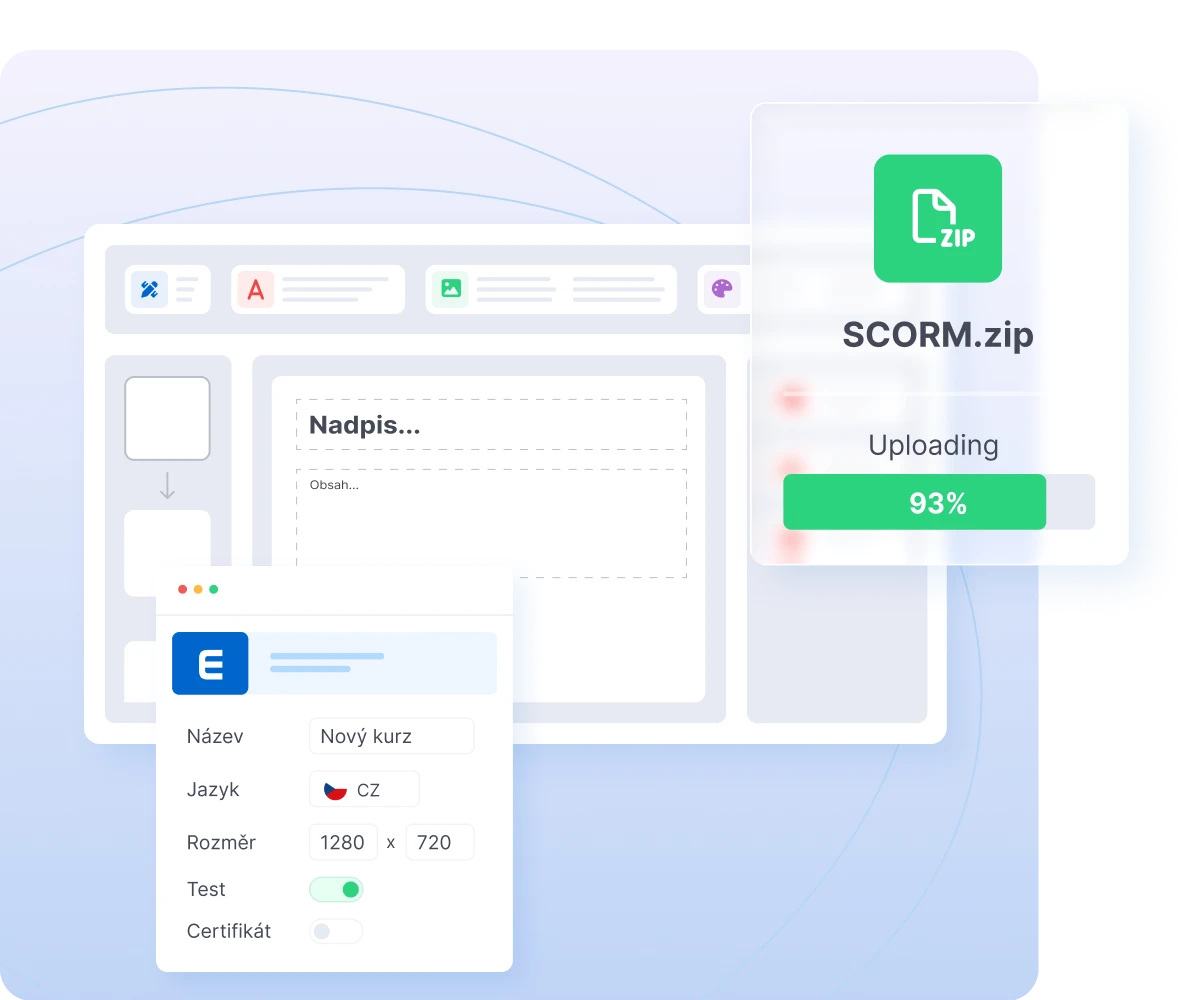
SCORM.zip file uploading at 93% progress with course content editor interface in background
Packeta logo
Metrostav logo
Zentiva logo
Škoda Group logo
PPL logo
Eurowag logo
Hitachi Energy logo
Veolia logo
CME logo
Innomotics logo
Albert logo
DERTOUR logo
Siemens logo
Air Bank logo
AERO Vodochody logo
Marks & Spencer logo
Allwyn logo
Allegro logo

6,000+

companies and institutions

1.4 mil.

trained employees

16 mil.

certificates

30+

custom courses

Discover all the features for free and try EDUNIO

Fill out a short inquiry form and we will send you a quote within the next day. Or run a demo in one click.
Ask without obligationTry the demo
Dashboard interface showing user profile, API integration, calendar scheduling, team collaboration features, and document management tools with green and blue accent colors

Call:

+420 284 684 331

Write to:

info@edunio.com

Application

All about EDUNIOUse casesIndustryFunctionExpansion modulesAffidavits

Menu

Online coursesReferencesPriceDemoIntegration

Other

About usFAQContact

Services

Prevent
Firemní lékař
Firemní kurzy
Instructor
Medbook
Pracovní úrazy
Accredited educational institutionCloud computing providerČSN EN ISO 9001:2016ČSN EN ISO/IEC 27001:2022
Information on personal data processing
Cookie settings

Copyright 2026 PREVENT s.r.o.