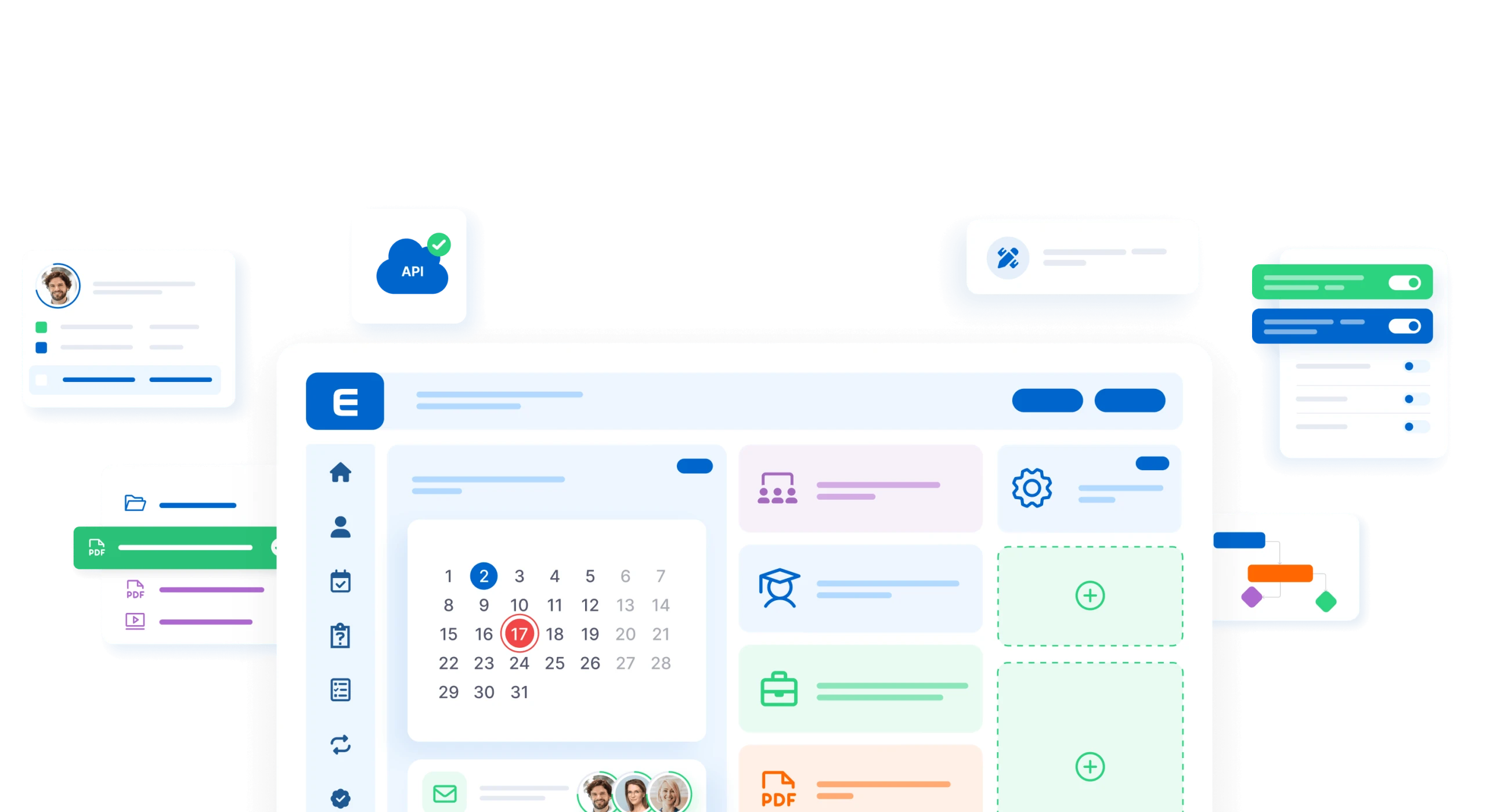
Core functions

Incredibly powerful yet intuitive.

Get an Offer

Automation

Digitization

Reporting

4.9/5.0

Automation

Automatic education management – monitoring deadlines, invitations, reminders, notifications, overviews, etc.

Workflow automation diagram showing interconnected icons for user profiles, calendar tasks, document approval, email notifications, analytics charts, and performance metrics

Digitization

Digitization of educational content, tests, certificates. Electronic signatures, electronic archives.
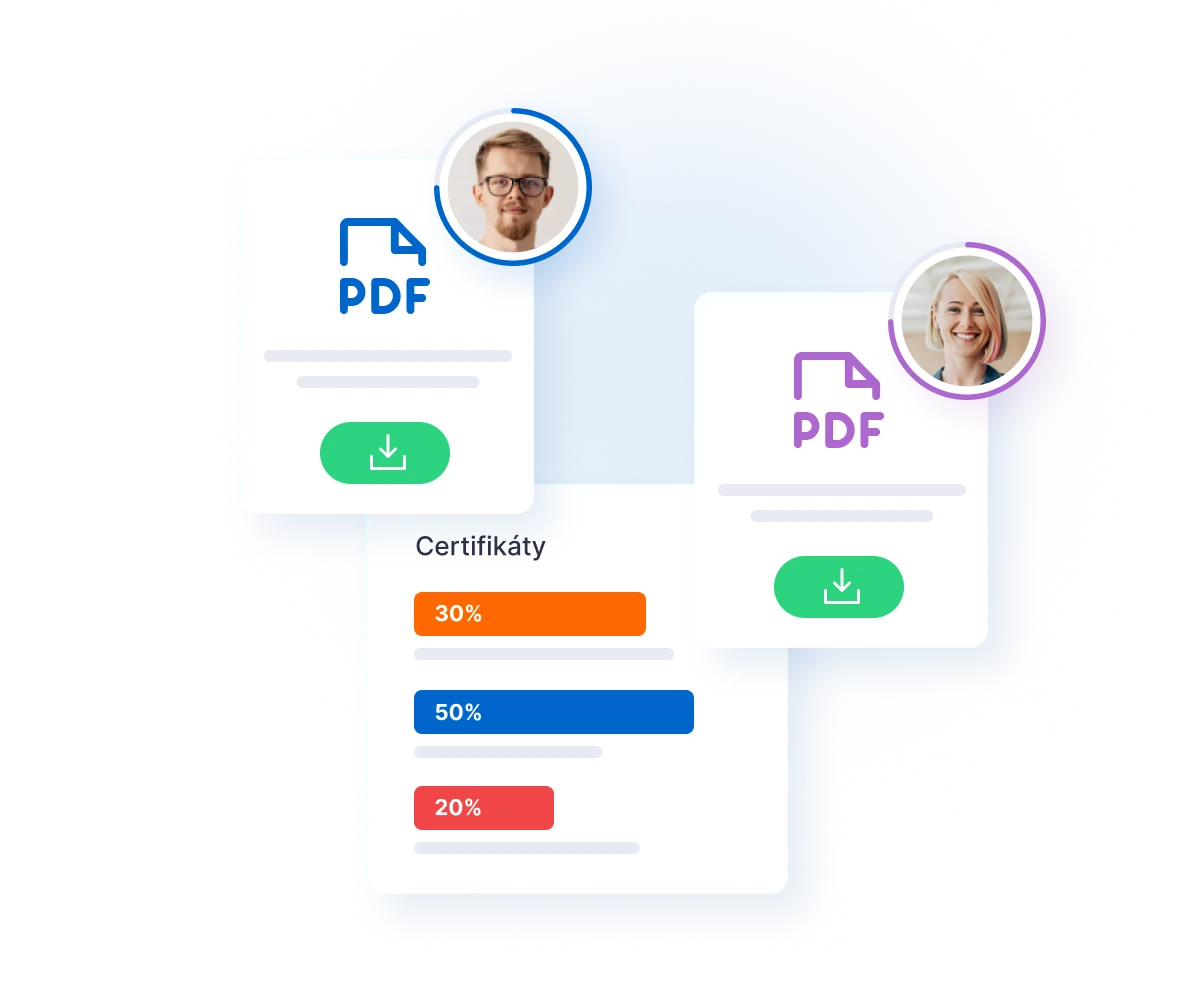
Two PDF certificate cards with profile photos and download buttons, showing distribution percentages of 50%, 30%, and 20%

Knowledge testing

Knowledge testing with a wide range of settings (number of questions, pass rate, time limits, etc.).

Knowledge test results dashboard showing four user profiles with completion percentages: 95% in green, a blue card with checkmark, 53% in orange, and 46% in red, with a donut

Certification

Editable certificates, choice of appearance and format, clear archiving.
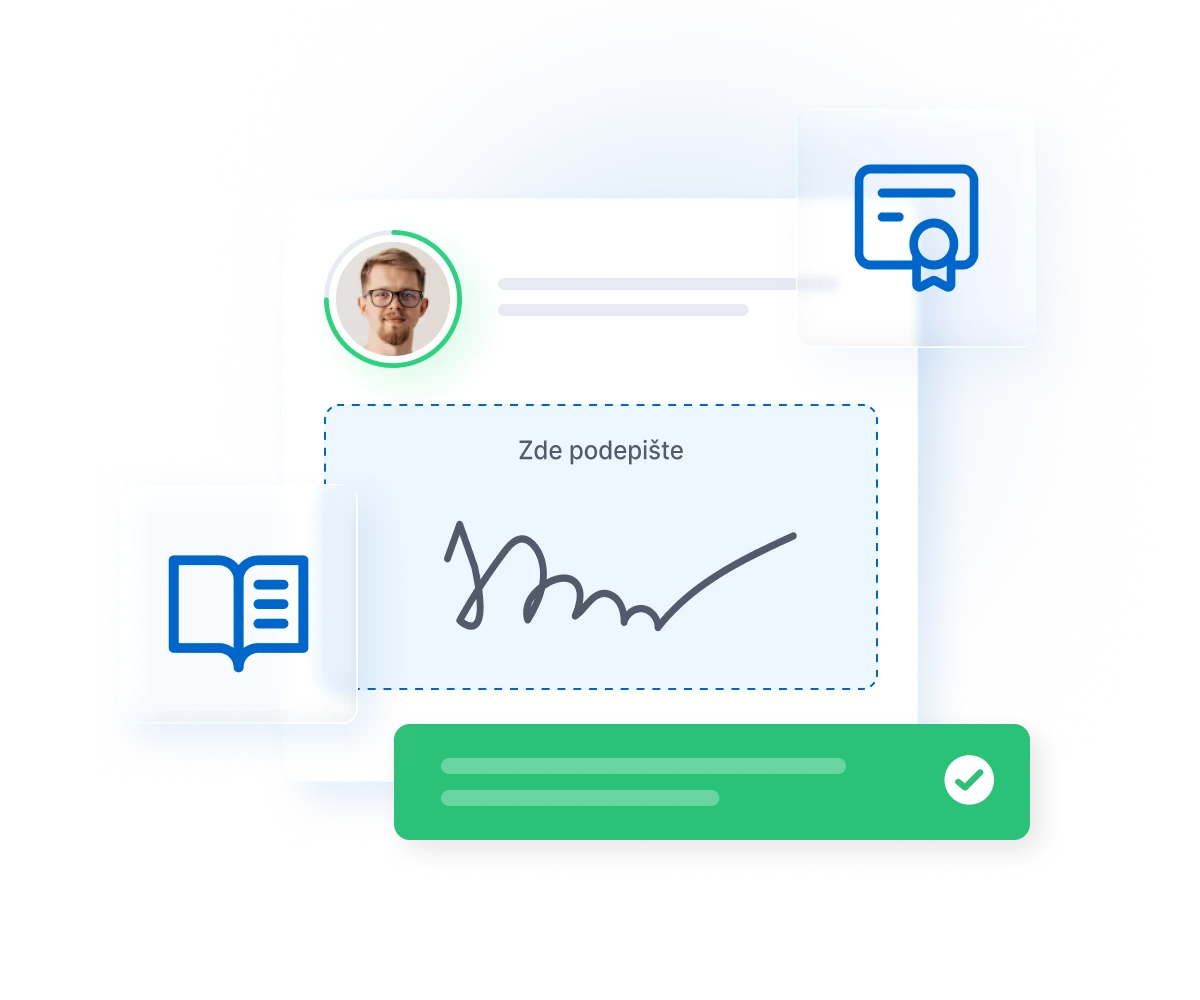
Digital signature interface showing a person's profile photo with a green circle border, a signature box labeled "Zde podepište" with a handwritten signature, a blue document icon

Reporting

Detailed reports with optional parameters, tasks (automatic reporting).
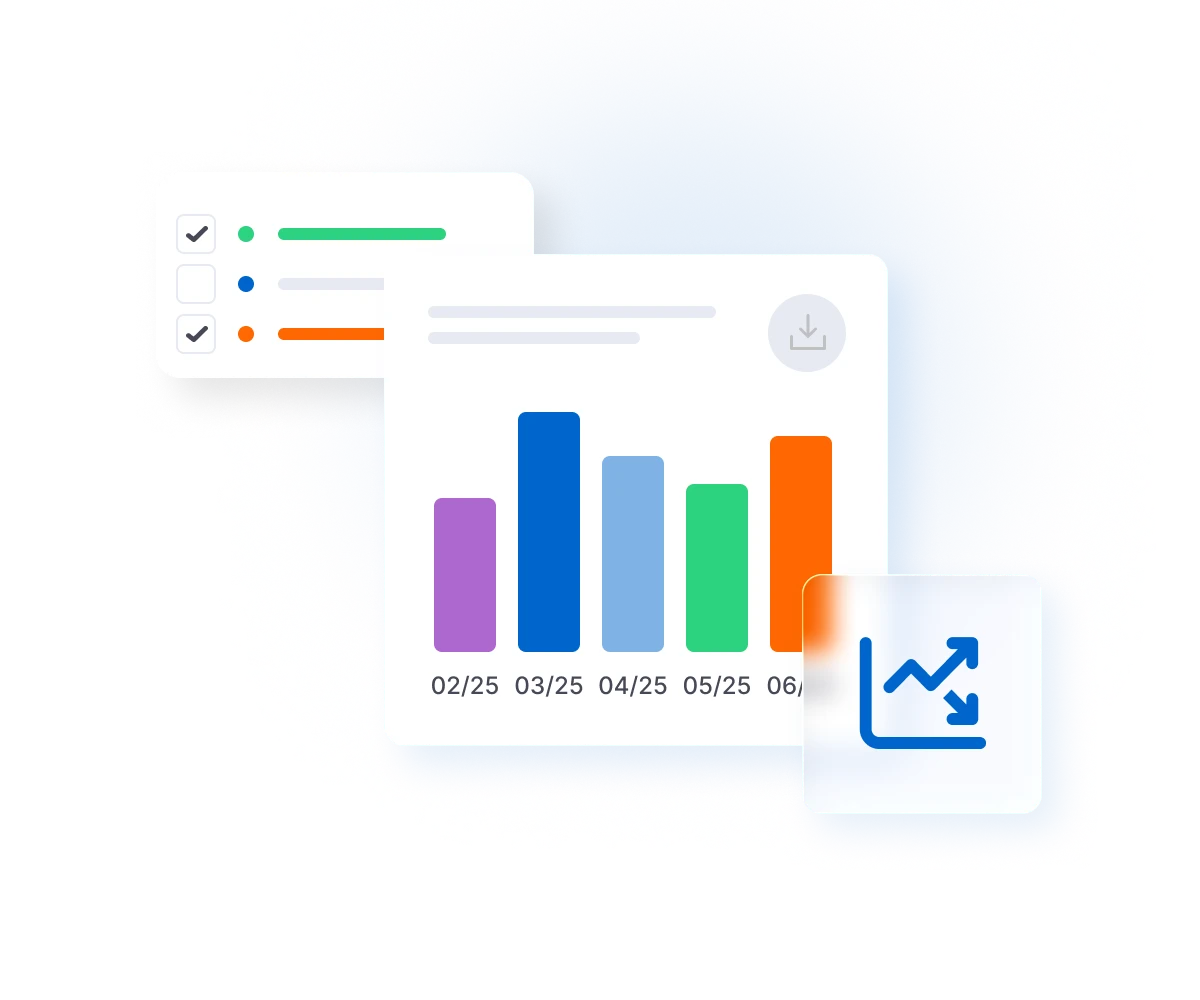
Dashboard interface showing a checklist on the left with three items, two checked, and a bar chart displaying monthly data from February to June with colored bars in purple, blue,

Communication

Connecting Lecturers and Students for questions about online courses and educational events.

Network diagram showing five people connected by dashed lines to a central man, with a verified user icon on the left and an email icon on the right

Information

Simply send targeted messages to groups or individual users.

Three communication cards showing Meeting with megaphone icon and three participants, Security training with envelope icon and three participants, and Teambuilding with envelope

Roles

System roles with SuperAdmin, Admin, Manager, Lecturer, and Student permissions.

User profile interface showing two people with circular profile photos, colored status indicators, placeholder text lines, and a blue user icon card on the right side

Organizational structure

Education management by user groups (entities, locations, positions, etc.)

Organizational chart showing a hierarchical structure with a manager at the top connected to four team members, who oversee two groups of three and one additional team member below

Course Builder

An integrated tool for creating simple online courses.
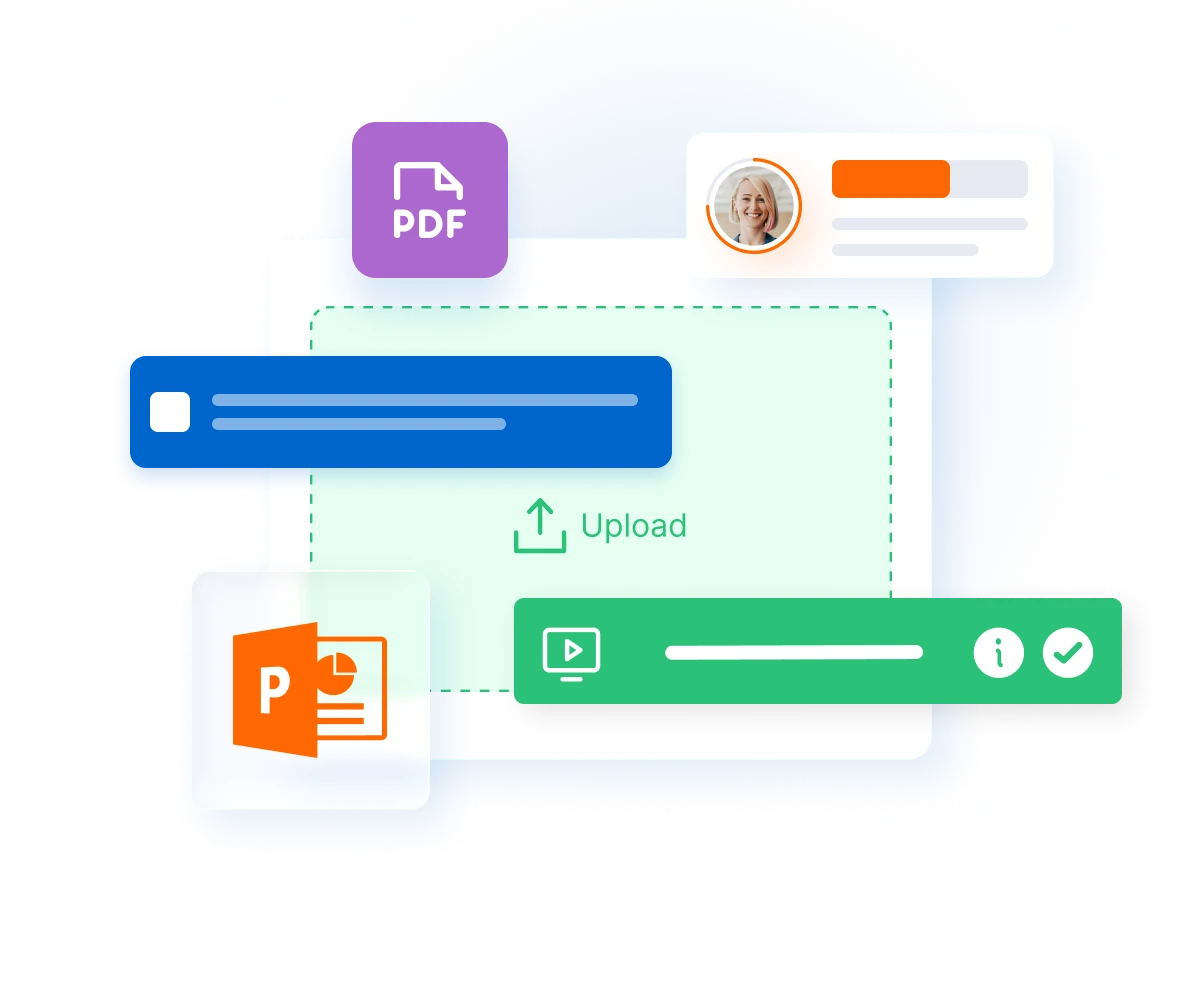
Course builder interface showing PDF and PowerPoint file upload with instructor profile and video content creation options

Quiz Builder

Integrated tool for creating test questions with the option of organizing them into thematic pools.
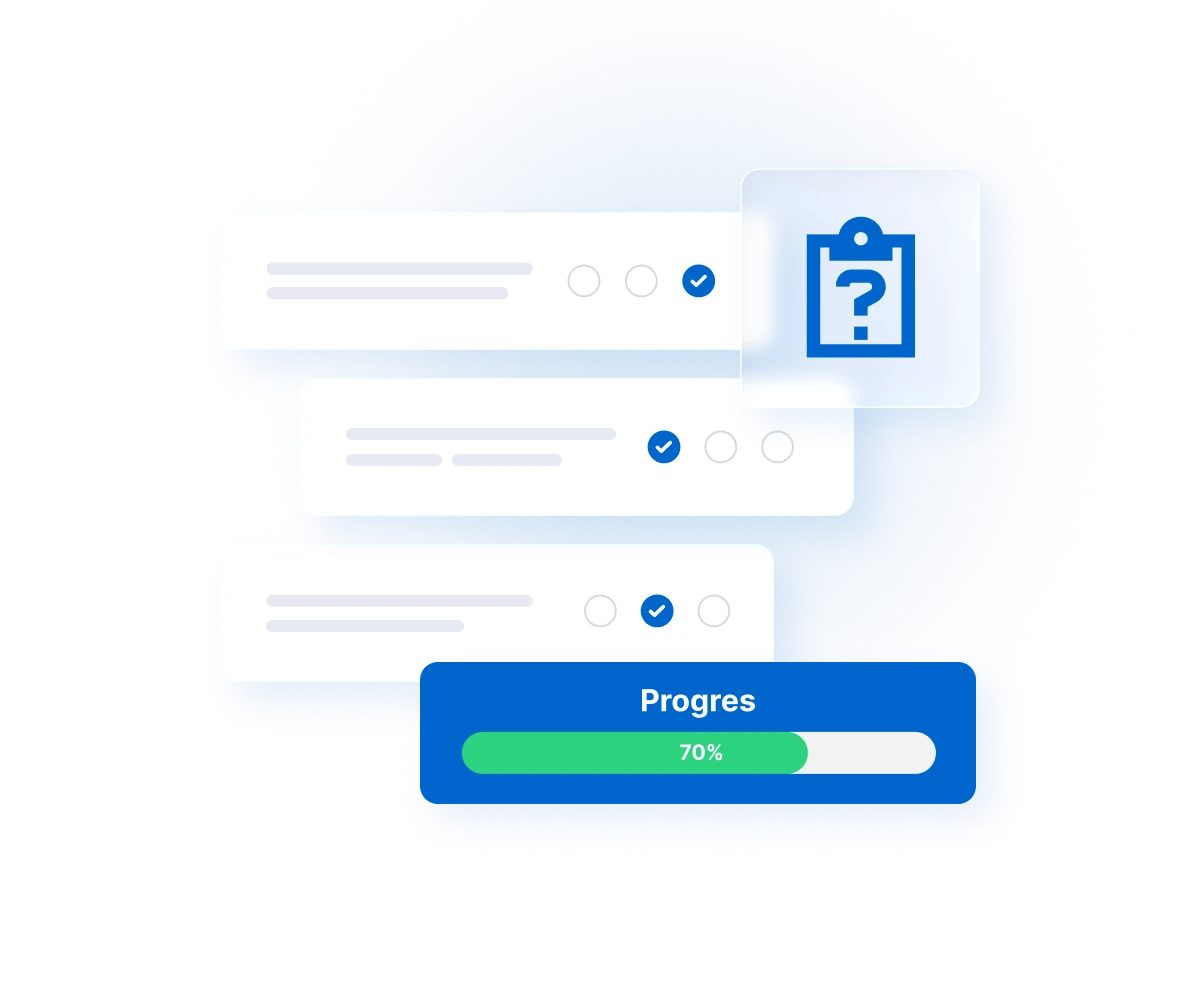
Quiz builder interface showing multiple choice questions with selected answers and a progress bar at 70% completion

Study paths

Creating educational blocks with the option of simultaneous or sequential study.
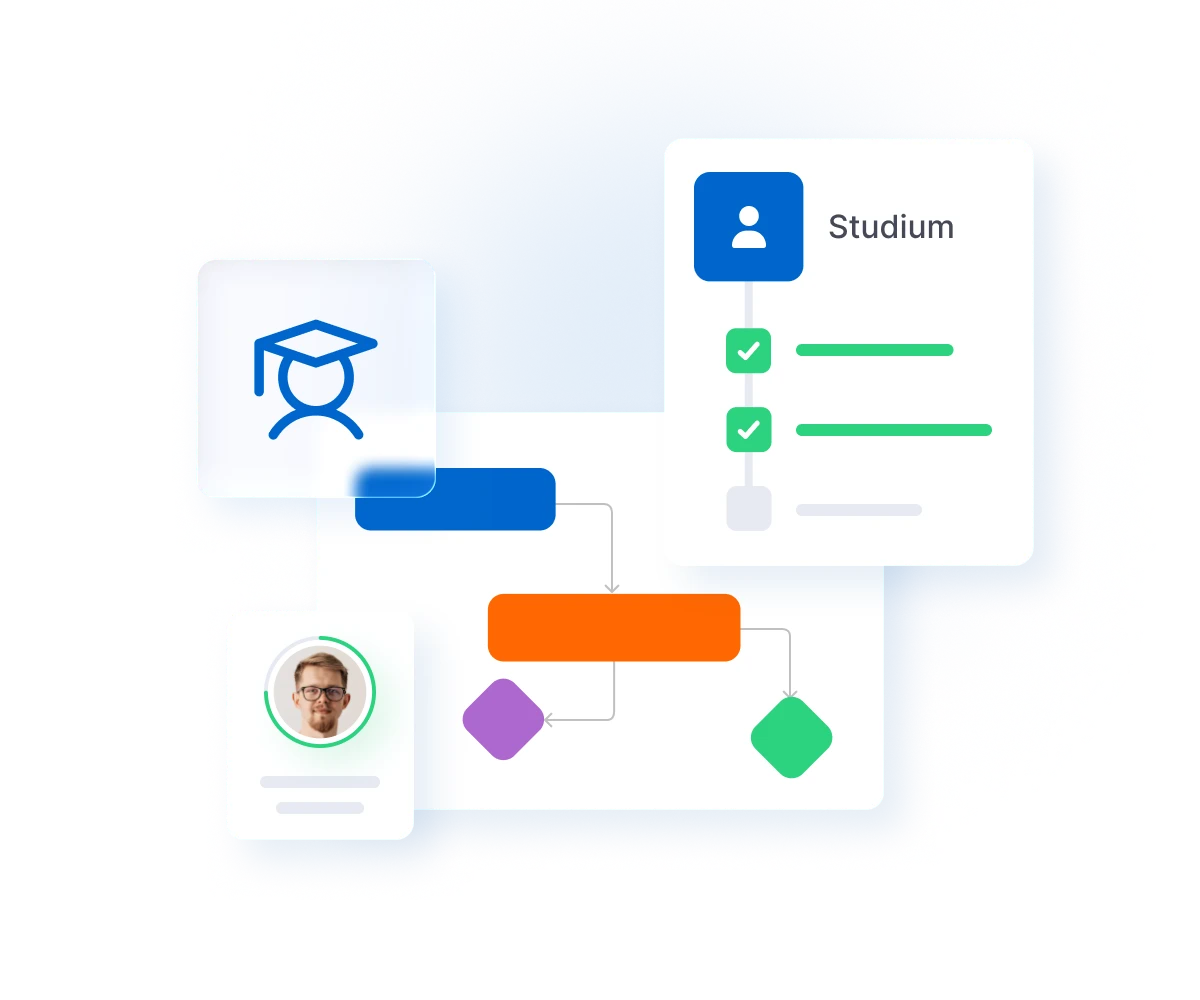
Flowchart showing a study path with a graduation cap icon, Studium profile card with checkmarks, and connected process steps including a person's photo and colored decision nodes

Knowledge assessment

Evaluation of user knowledge, summary knowledge by topic, etc.
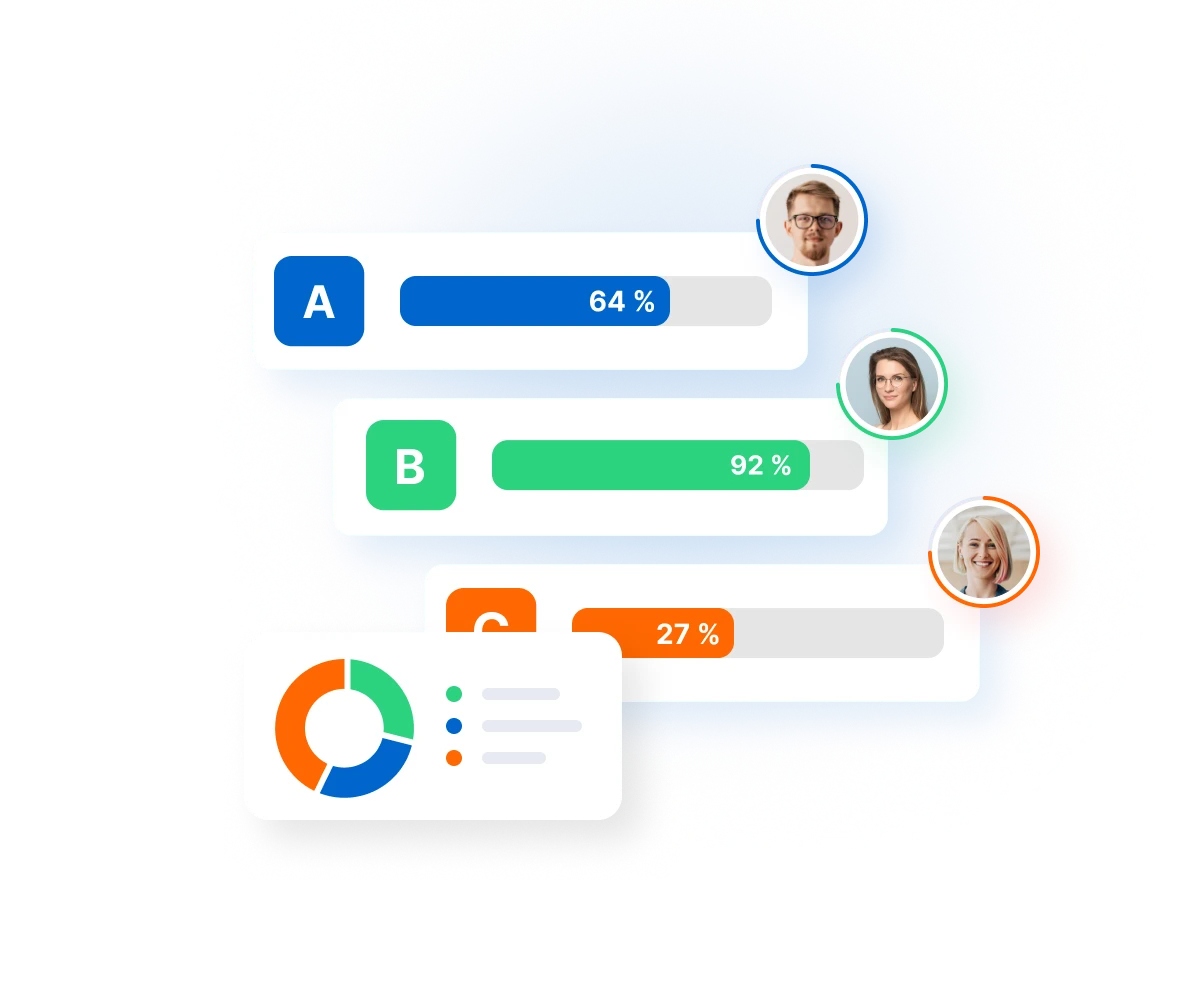
Knowledge assessment results showing three participants with scores: A at 64 percent, B at 92 percent, and C at 27 percent, displayed with progress bars and a donut chart

Course evaluations

Feedback and evaluation of courses and educational events by users.

Course rating interface showing student reviews with scores of 9.5, 9.3, 7.8, and 3.5 displayed in green and red badges next to user profile photos and feedback messages

User dashboard

Clear dashboard for users – calendar, invitations, certificates for signing, etc.
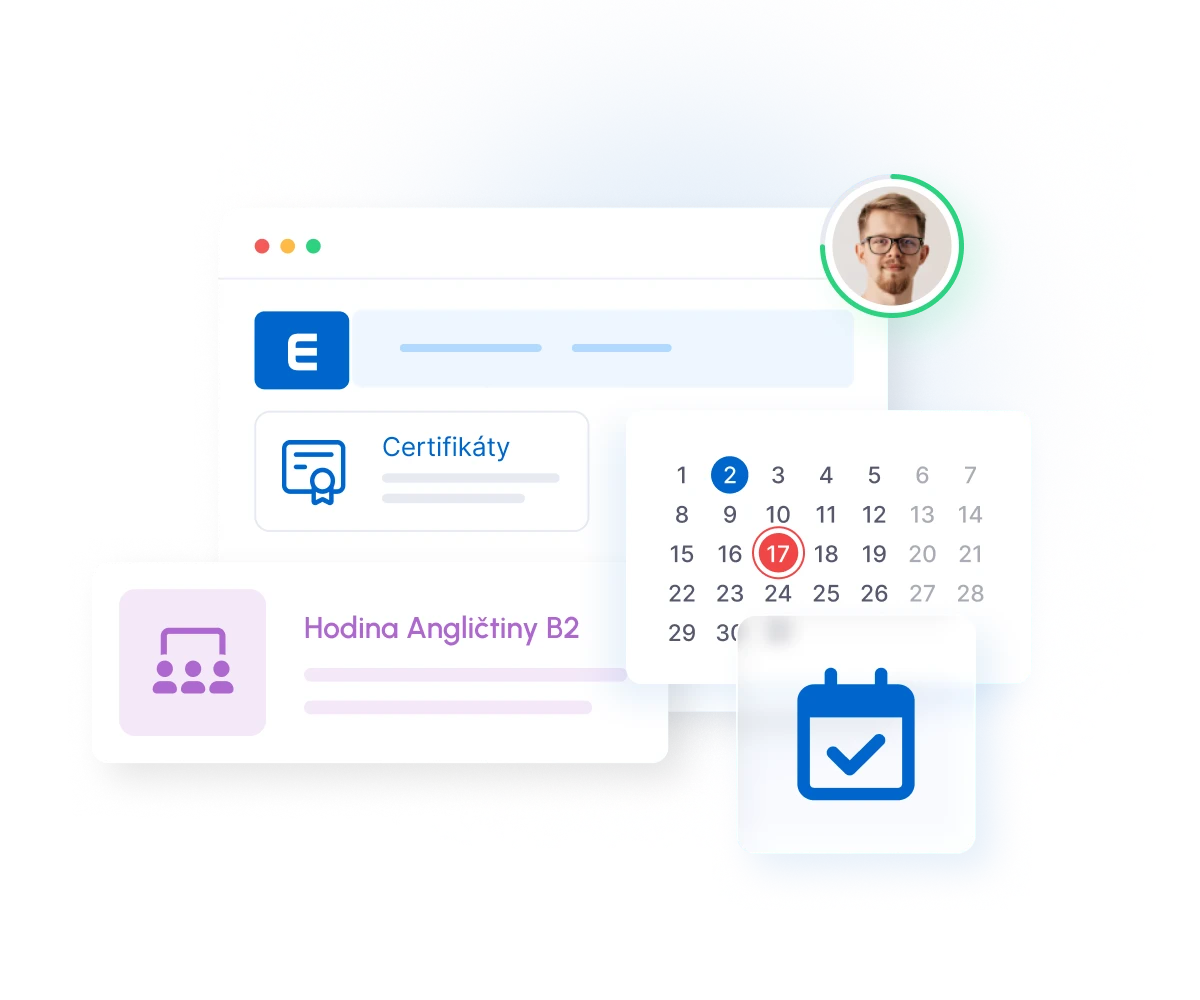
User dashboard interface showing certificates section, English language course B2, calendar with selected date, and user profile photo with green status indicator

Admin dashboard

A clear administrator interface with quick buttons for the most common tasks.

Admin dashboard interface with settings icon, task calendar, team collaboration, briefcase, PDF document, and user profile with circular avatar

Helpdesk

Helpdesk for users, FAQ, topics, notifications for lecturers, etc.

Helpdesk support interface showing multiple team members in circular avatars, chat messages in colored boxes, a blue lightbulb icon for ideas, and a green send button

Customization

Wide range of settings (graphics, texts, notification and security rules, etc.).
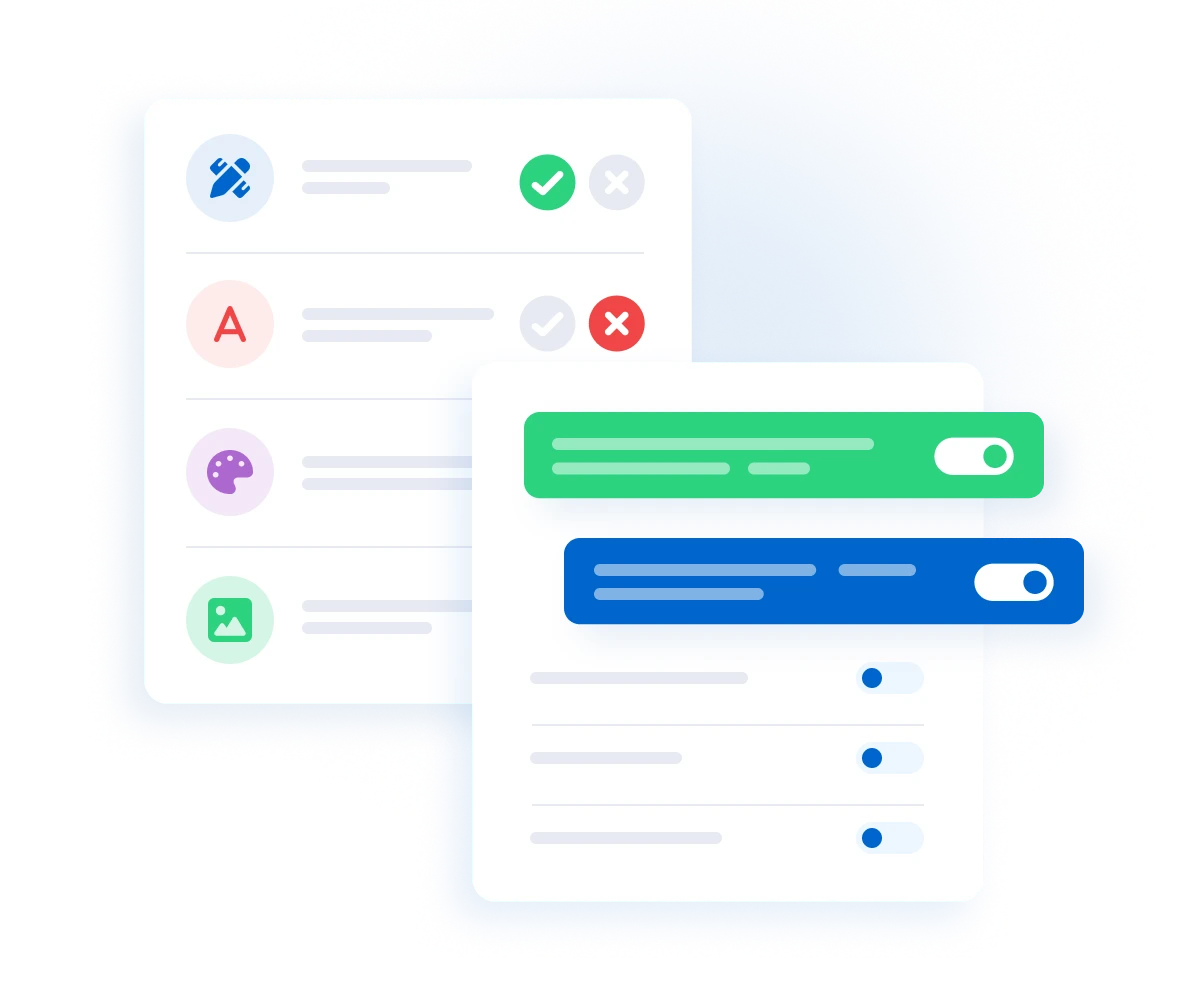
Settings interface showing customization options with four feature icons on the left, approval and rejection indicators, and toggle switches for green and blue enabled settings on

Optional expansion modules

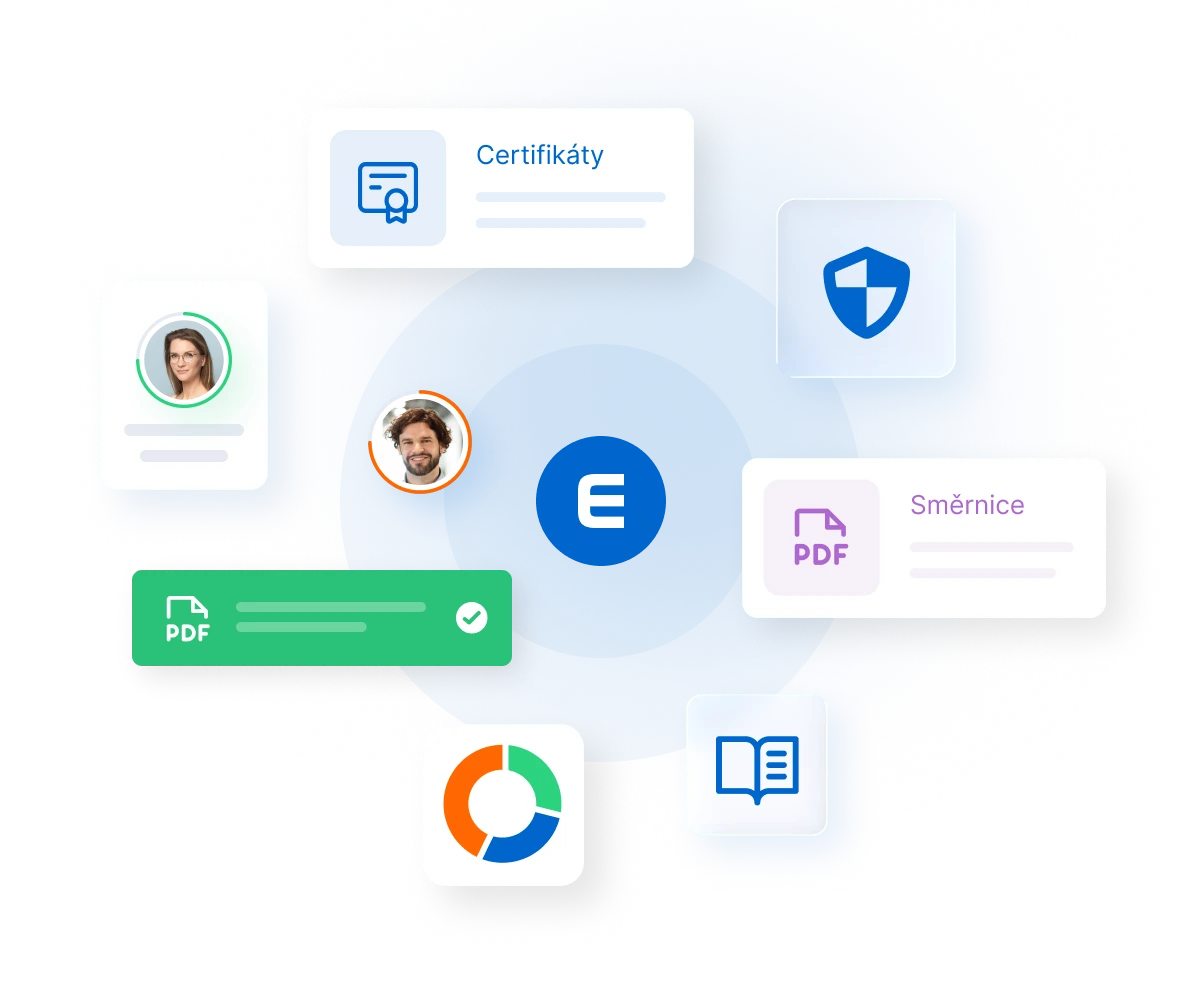
Modular interface showing certificates, user profiles, security shield, PDF documents, and analytics icons arranged around a central blue circle with letter E

You can configure EDUNIO to suit your needs. See how you can expand the basic functions with optional modules.

Modular interface showing certificates, user profiles, security shield, PDF documents, and analytics icons arranged around a central blue circle with letter E