EDUNIO overview

It can handle anything you can think of.

Get an Offer

Educates

Inform

Organize

4.9/5.0

Educates

Entrust EDUNIO with complex training management processes and free up your time for other work.

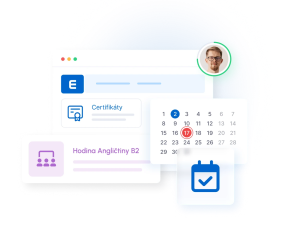
Online courses

Use PREVENT online courses, create your own, or purchase courses from any provider.

Face‑to‑face training events

Easily organize face‑to‑face training with EDUNIO.

Blended Learning

Blended learning, webinars, learning paths. EDUNIO can do it all.

Training catalog

Offer your employees a catalog of voluntary training.

Educational platform interface showing artificial intelligence tutoring session with a man at desk and animated robot assistant, alongside user profile, navigation icons, and

Inform

Use EDUNIO’s smart features for effective communication.

DIS

Ensure employees/users are demonstrably acquainted with documents.

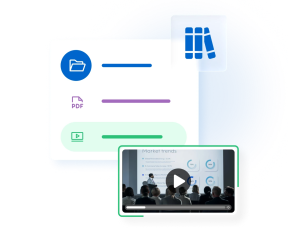
Library

Create a company knowledge base — a library with documents, videos, or links.

Organizational structure

Create interconnected or independent user groups for easy information targeting.

Messages

Easily send messages to targeted user groups or selected training courses and events.

Knihovna interface showing file management with PDF documents, video file, user profiles, and email notification icon

Create

Create your own content for training and informing employees/users.

PPT Learnirng

Try the easiest way to create your own online courses — no special tools or skills needed.

Video courses

Record your own video courses — even just with your phone.

Course Builder

You can easily create simple online courses directly in the EDUNIO LMS.

Tests and surveys

Create your own tests to assess knowledge or surveys for feedback.

Illustration showing file upload interface with document windows, checkmark icon, upload button, and Microsoft PowerPoint logo on light blue and green background

Evaluate

Try specialized modules for employee evaluation, or simply use the built‑in EDUNIO features for assessment.

KPI

Evaluate employees/users using key performance indicators (KPIs).

Questionnaires

Easily use your own custom‑defined questionnaires for evaluation.

Checklists

Create your own control or evaluation checklists and collect feedback.

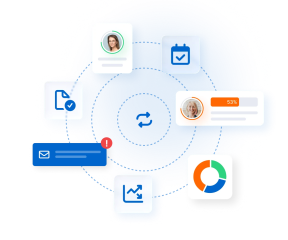
Workflow

Evaluate on multiple levels using a customizable workflow.

Performance rating dashboard showing four user profiles with completion percentages: 95%, 89%, 53%, and 46%, connected to a workflow process diagram

Record and organize

Let EDUNIO record and organize not only training but also other HR‑related tasks.

Competencies

Record and organize any one‑time or periodic activities (specific professional competencies, medical examinations, etc.).

Qualifications

Define qualification requirements for specific job positions and automate their fulfillment.

Roles

Assign users different permissions for working with EDUNIO (Admin, Instructor, Manager, Student).

Electronic signing

Have everything signed easily electronically and conveniently archive digital records.

User management interface showing three profile avatars with status indicators, a qualifications section with checkmarks, and payment status labels marked as paid and unpaid

Manage specialized agendas

Standard EDUNIO features or targeted modules will help you manage a wide range of specialized agendas.

Onboarding

Digitize and automate the entire onboarding process with EDUNIO (online training, document familiarization, meetings with colleagues, etc.).

GDPR

A module for managing consents related to personal data protection.

Whistleblowing

A whistleblowing system for fulfilling obligations under the Whistleblower Protection Act.

MEDBOOK

Connect EDUNIO with our MEDBOOK app to verify medical fitness for work.

Dashboard interface showing three management sections: Online školení with video player displaying market trends presentation, Seznámení s dokumenty with PDF icon, and Meeting

Customization

The EDUNIO LMS offers extensive options for individual configuration and customization for your organization.

Domain

Graphics

Deadlines and notifications

System settings

Modularity

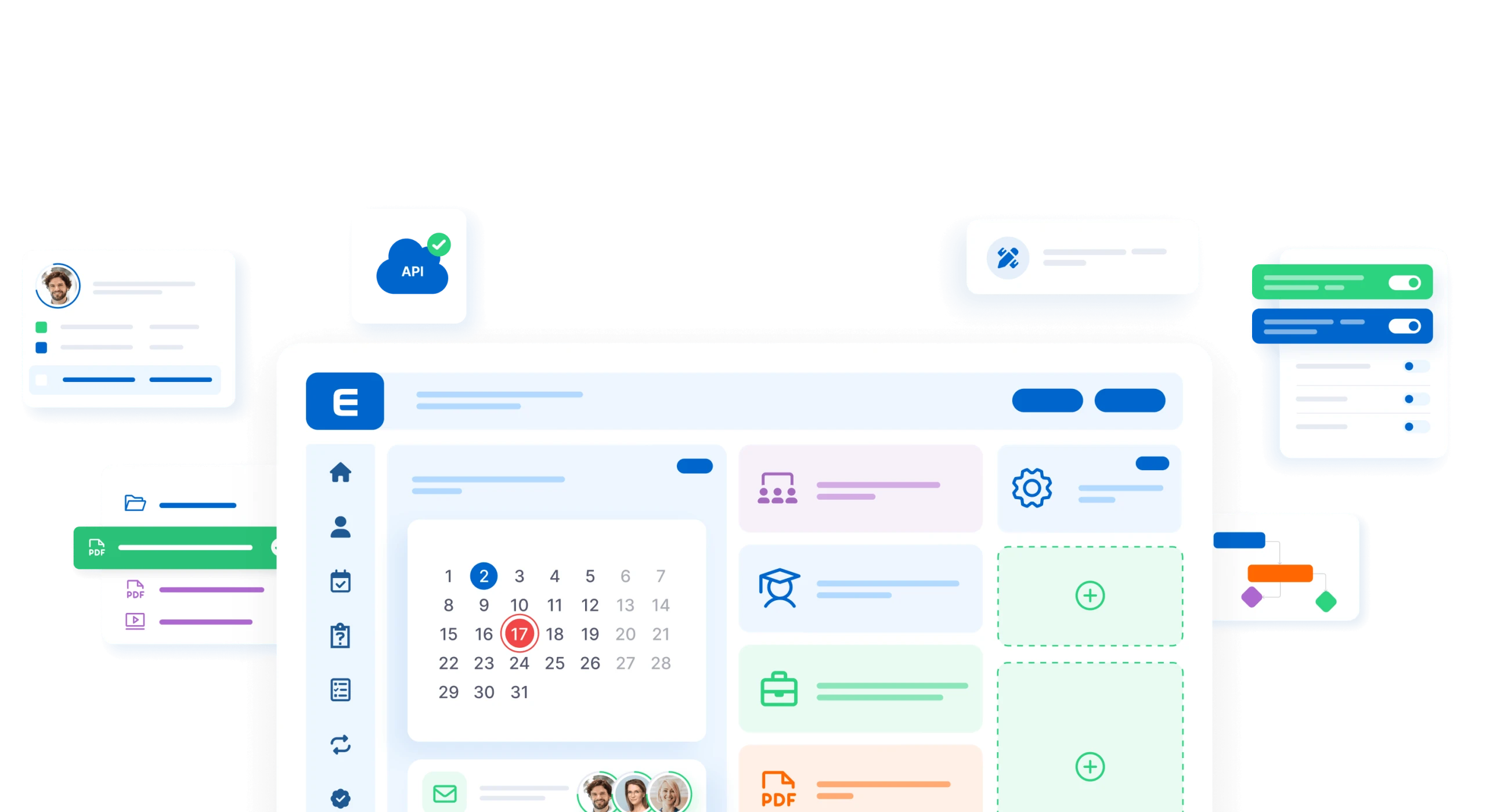
Customization interface showing calendar, settings gear, task checklist, website URL field, toggle switches, and collaboration tools

Functions

EDUNIO is powerful and feature‑packed right from the start.

Dashboard interface showing user profile with payment status indicators marked as Platné (Paid) and Neplatné (Unpaid), a donut chart, and video player icon

Modules

You can freely expand EDUNIO through optional add‑on modules.

Modular interface showing certificates, user profiles, security shield, PDF documents, and analytics icons arranged around a central blue circle with letter E

Get a non‑binding quote and an online presentation.

Network diagram showing five people connected by dashed lines to a central man, with a verified user icon on the left and an email icon on the right

Contact us to get a non‑binding online presentation of EDUNIO, including additional information and a live system demo.

Network diagram showing five people connected by dashed lines to a central man, with a verified user icon on the left and an email icon on the right

6 000+

0+

companies and institutions

1mil.

0mil.

trained employees

14mil.

0mil.

completed courses

30+

0+

custom courses