Customized online courses
- Custom graphics
- Interaction and animation
- Infographics
- Easy to remember
- Conditional course completion
Attractive form of training
Do you have quality content, but need to adapt it for the online environment? Entrust it to our professionals. Tailor‑made courses will help you convey knowledge clearly and engagingly.
Interactivity
Courses that actively engage students.
Clarity
Clearly structured information complemented by illustrations.
Playfulness
Various interactive elements such as sliders, pull‑tabs, tests, scrolling, clicking...
Easy to remember
Transforming content into an understandable and memorable form for students.
Active student involvement
Online courses that actively engage students through interactive elements and hands‑on exercises.
Graphic processing
Students remember courses with high‑quality visuals up to 80% better, which increases their attention and makes it easier to understand the topic.
Content structure
Logically organized and easy‑to‑understand content for all students.
Infographics
It helps visualize key information and improves the memorability of content.
Active student participation
It maintains attention, encourages active learning, and increases course completion rates.
Customize the theme
Adapt the form and functionality of the course to your ideas and needs.
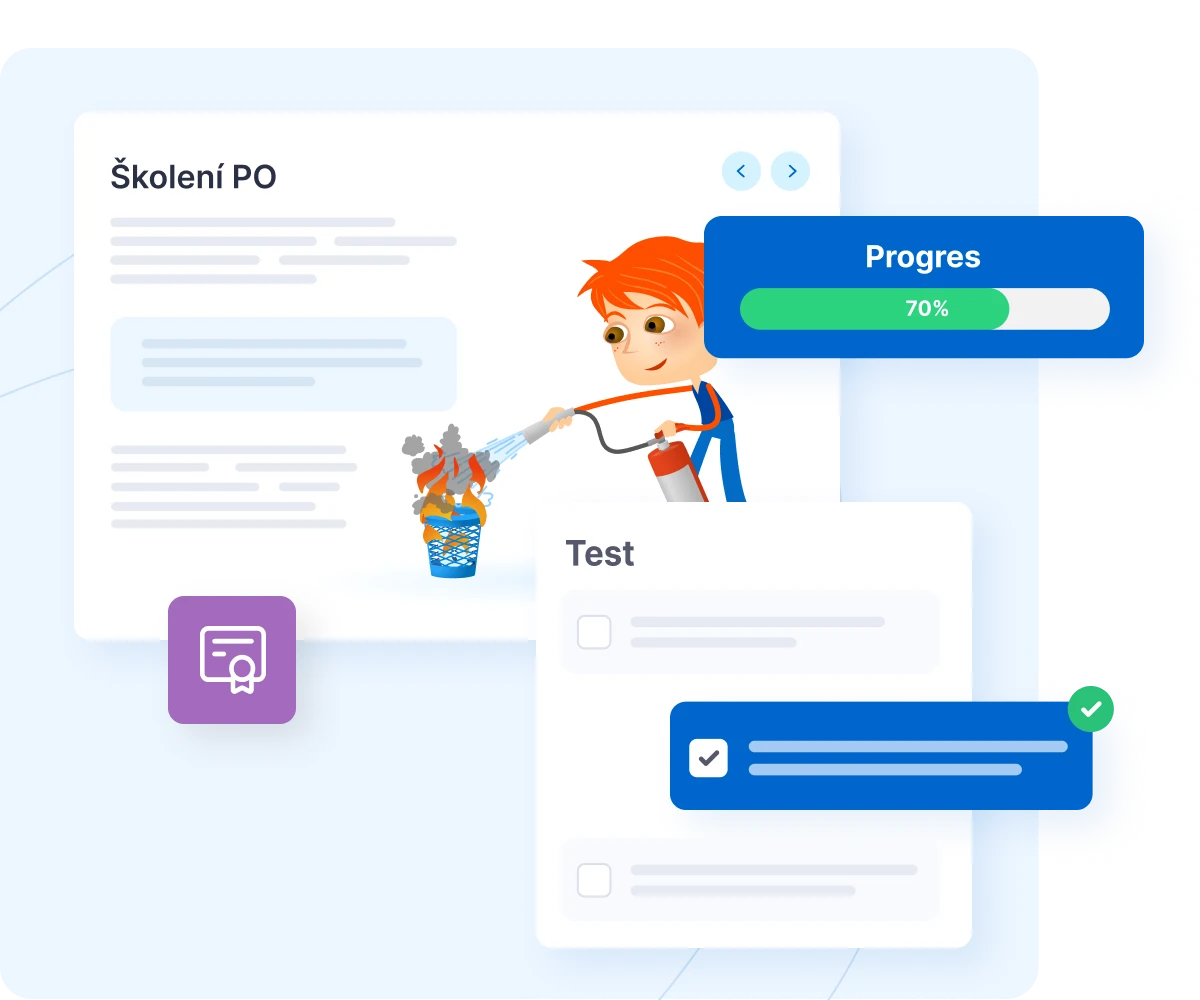
Conditional on passing the course
Mid‑term and final knowledge test
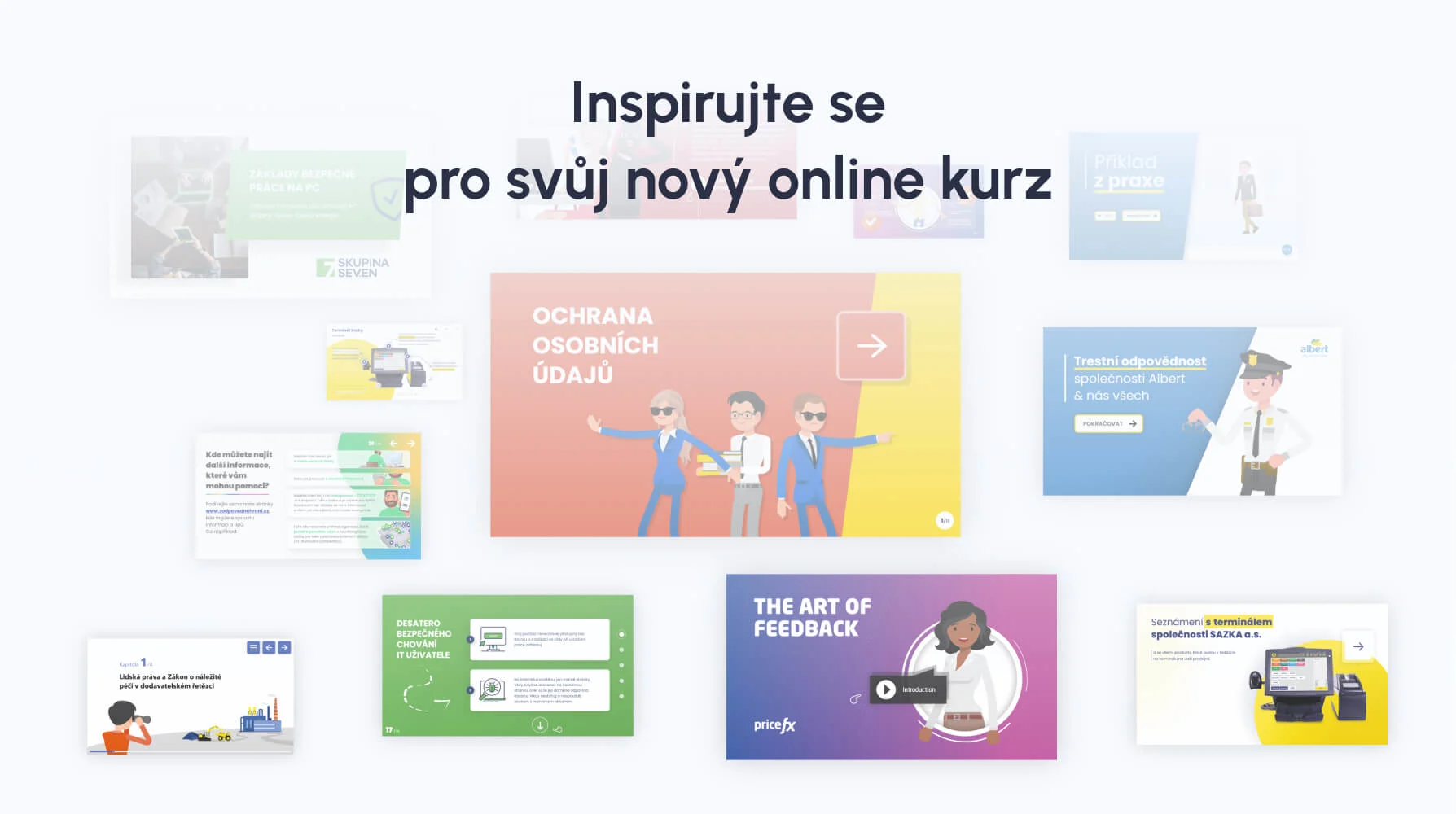
Custom graphics including interactions, infographics and animations
Desktop course
Desktop courses are ideal for interactive scenarios, simulations, and complex e‑learning modules where users need to be involved in decision‑making situations, branching stories, or simulations of work processes.

Responsive course design
Responsive courses are suitable for linear learning, such as simpler instructional materials, introductions to new procedures, or basic training that does not require complex interactions.

Watch demos of selected courses







Discover all the features for free and try EDUNIO
Fill out a short inquiry form and we will send you a quote within the next day. Or run a demo in one click.