PPT Learning
Create courses yourself
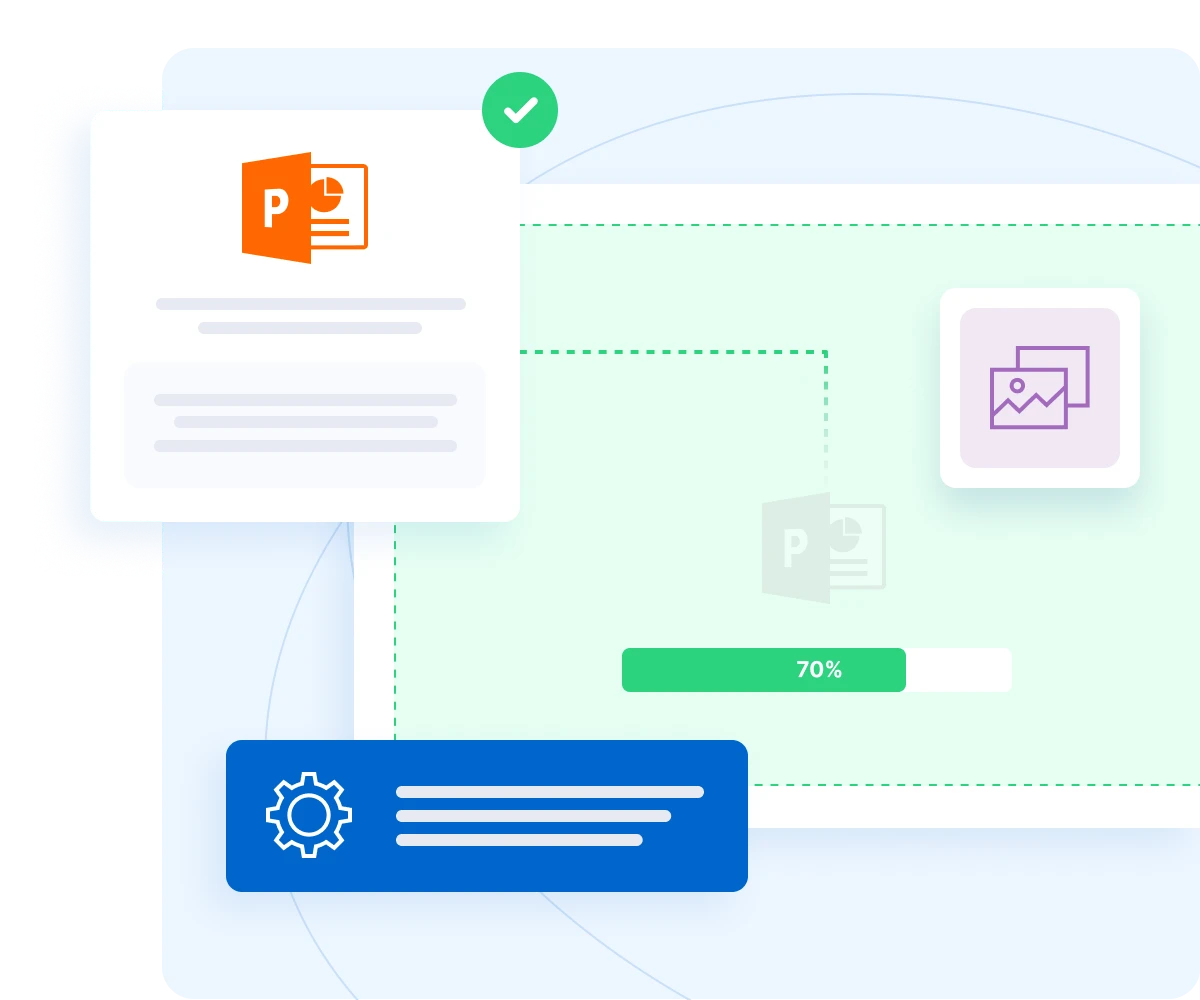
With PPT Learning, you can easily create your own courses without the need for special tools or programming. Just upload your presentation and EDUNIO will automatically convert it into a course.
Easy to use
Created from a standard PPT presentation.
SCORM compatibility
The course complies with international standards.
Controls
Menu and navigation directly in LMS.
Quick publication
The course is ready in a few minutes.
More than just a presentation
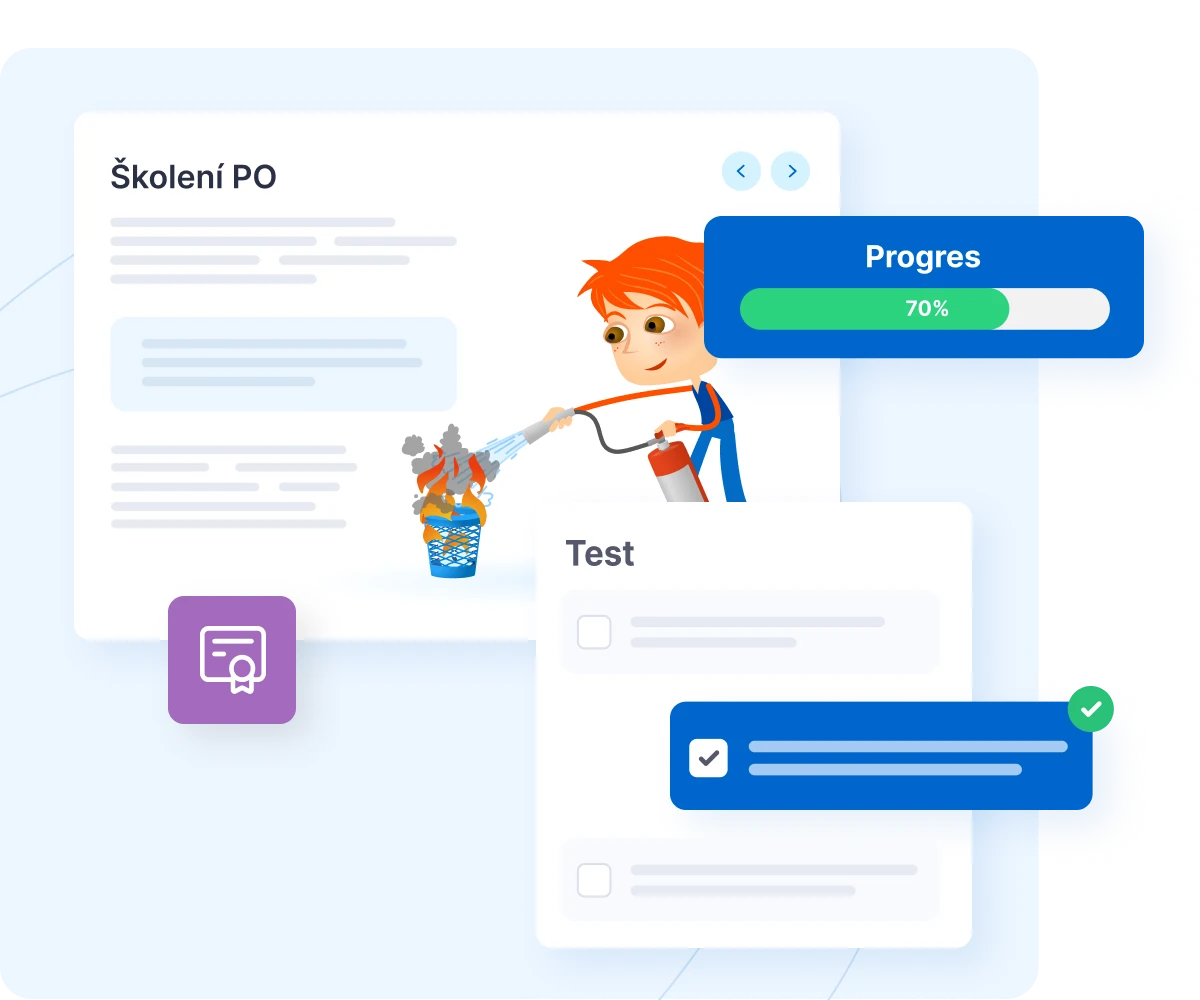
PPT Learning adds interactivity and control over learning to courses.
Conditional passage
Students must go through all the slides.
Knowledge tests
You can easily complete the verification quiz.
Certificate of completion
Automatically after completing the course.
Recording of results
Study time, completion, repetition.
Main advantages of the module
Simplicity
You can create a course from a presentation in just a few minutes, without any complicated technology.
Flexibility
Supports PowerPoint, Keynote, Google Slides, and Canva—just export to PPT.
Full integration into EDUNIO
Courses behave like all others – they can be assigned, reported on, and combined with other modules.
Professionalism
The courses comply with the SCORM standard and are therefore fully compatible with modern e‑learning requirements.


6,000+
0+
companies and institutions
1 mil.
0 mil.
trained employees
14 mil.
0 mil.
completed courses
30+
0+
custom courses