KPI
Overview and use
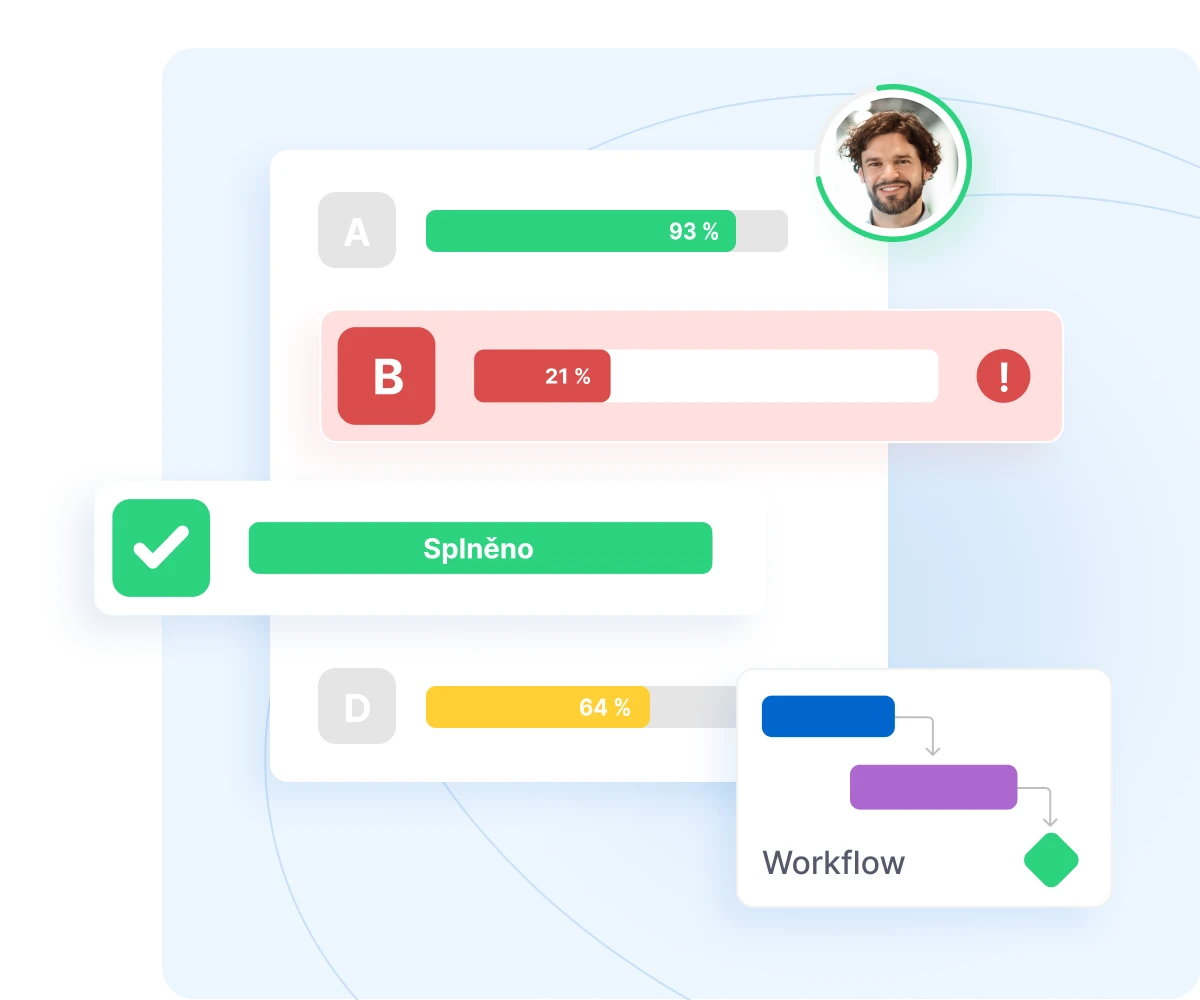
The KPI module allows you to set and evaluate employee goals using clear forms. The process takes place in two stages – setting goals and evaluating them. This gives you a clear overview of the fulfillment of key performance parameters.
Setting goals
Employees define their own goals.
Prioritization
Weight distribution of targets.
Evaluation of results
Percentage fulfillment of objectives, including competencies.
Flexible support
Option to upload attachments to the form.
Documentation
Export KPIs to PDF at any time during the evaluation.
Workflow
clear statuses and sending to managers for review
Main benefits of the module
Structured process
The evaluation takes place in two clearly separate phases: setting goals and evaluating them. This makes the entire process clear and easy to follow.
Transparency
Each goal has weight and clearly measurable performance. You will obtain objective data for decision‑making on employee development.
Support for managers
Completed forms are sent to managers for approval and review, ensuring control and feedback throughout the process.
Records and archiving
Each KPI form can be downloaded in PDF format at any time. This means you always have clear documentation on the evaluation process at your disposal.


6,000+
0+
companies and institutions
1 mil.
0 mil.
trained employees
14 mil.
0 mil.
completed courses
30+
0+
custom courses